From Punch-In to Payout: How the Ezupp Salesman App Runs a Field Sales Day
Most field sales teams juggle between WhatsApp, Excel and paper slips to get through a day. Here's how the Ezupp ERP salesman app brings punch-in, sales orders, visit plans, network building, coverage insights and TA/DA claims into one flow, screen by screen.

A field salesman's day has a lot of moving parts: marking attendance, visiting the right parties, taking orders, adding new retailers, and at month end, claiming travel expenses. In most companies these happen across WhatsApp messages, Excel sheets and paper slips. That means managers are always a step behind.The Ezupp ERP salesman app puts the whole day in one place. Here is how a salesman actually uses it, from the moment they start work to the day their travel claim is approved.
Why field sales data goes missing
When orders come in over calls and chats, someone in the back office has to re-type them. Visit plans live in a salesman's head. Travel claims are estimated from memory and then argued over. None of it adds up to a clear view of who is covering which market.The fix is not more reports. The fix is capturing the work where it happens, on the salesman's phone.
1. Start the day with a punch-in
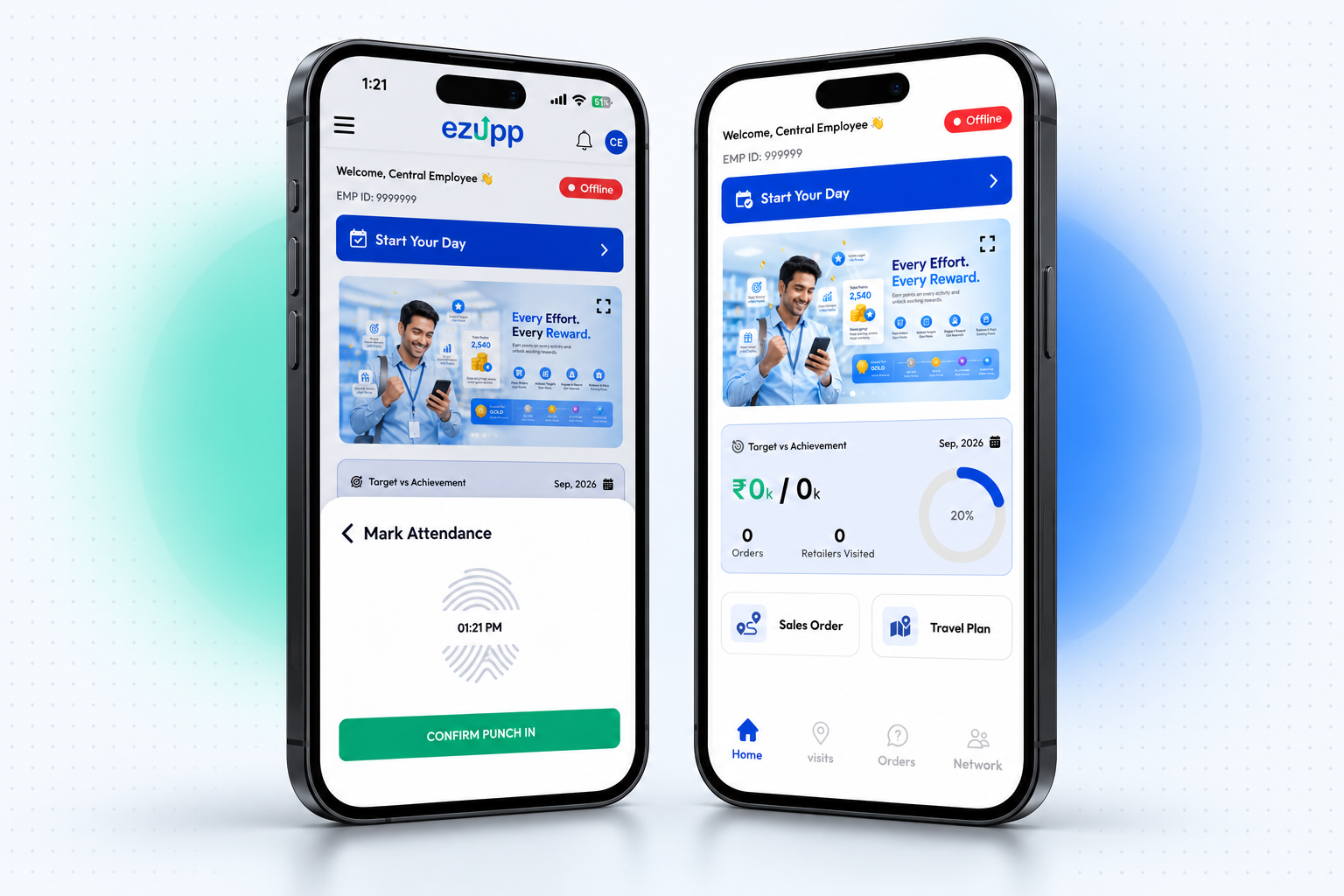
Every day begins with attendance. The salesman taps Start Your Day and confirms punch-in with the current time.The home screen then shows what matters for the month: target versus achievement, orders placed and retailers visited, with one-tap shortcuts to Sales Order and Travel Plan.
2. Place a sales order in a few taps
To book an order, the salesman picks who it is for (distributor, retailer or stockist) and then searches for the partner by name or code. Each partner card shows their code, phone and location.If the party is part of a scheme, their loyalty points appear right on the card, so the salesman knows before placing the order.
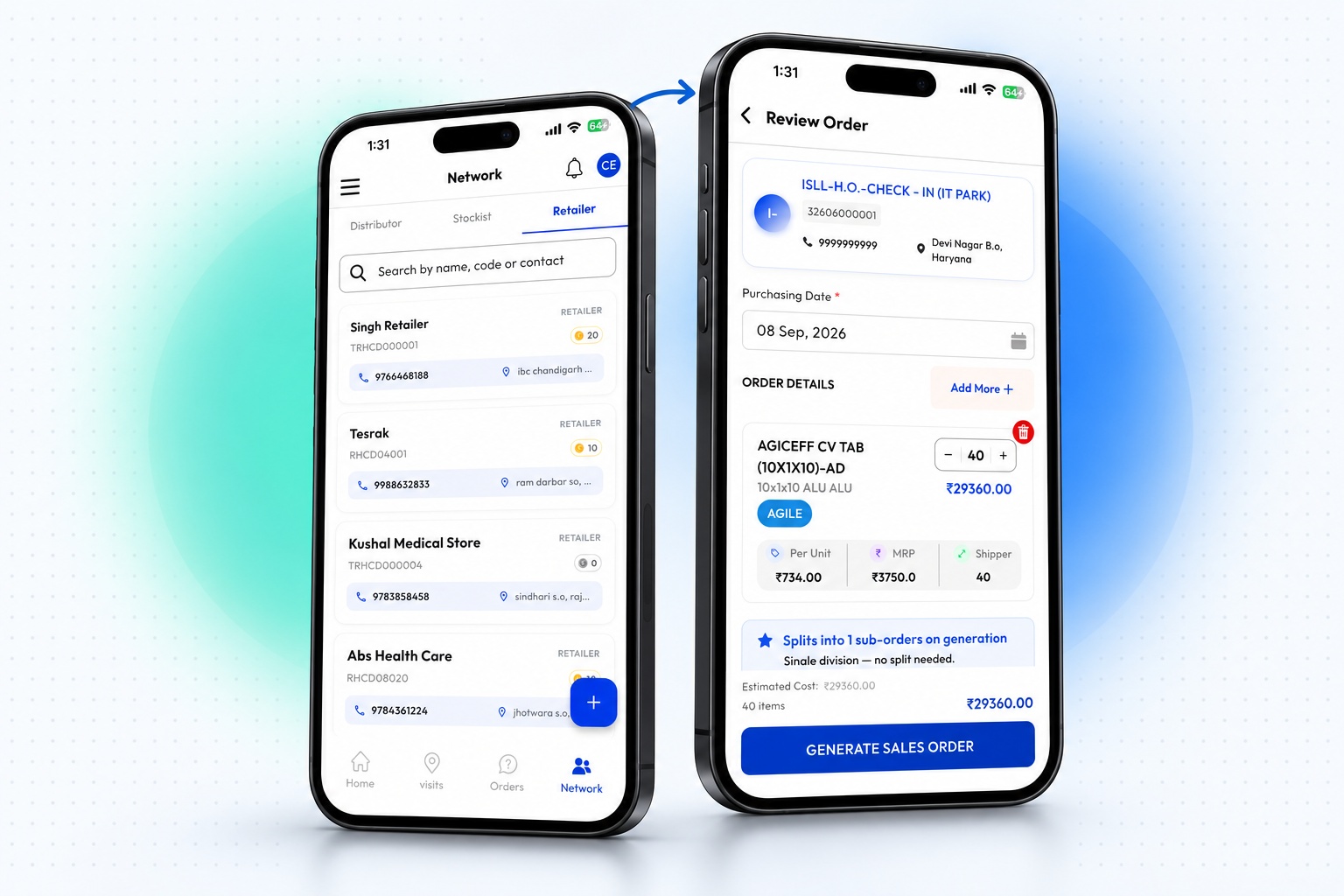
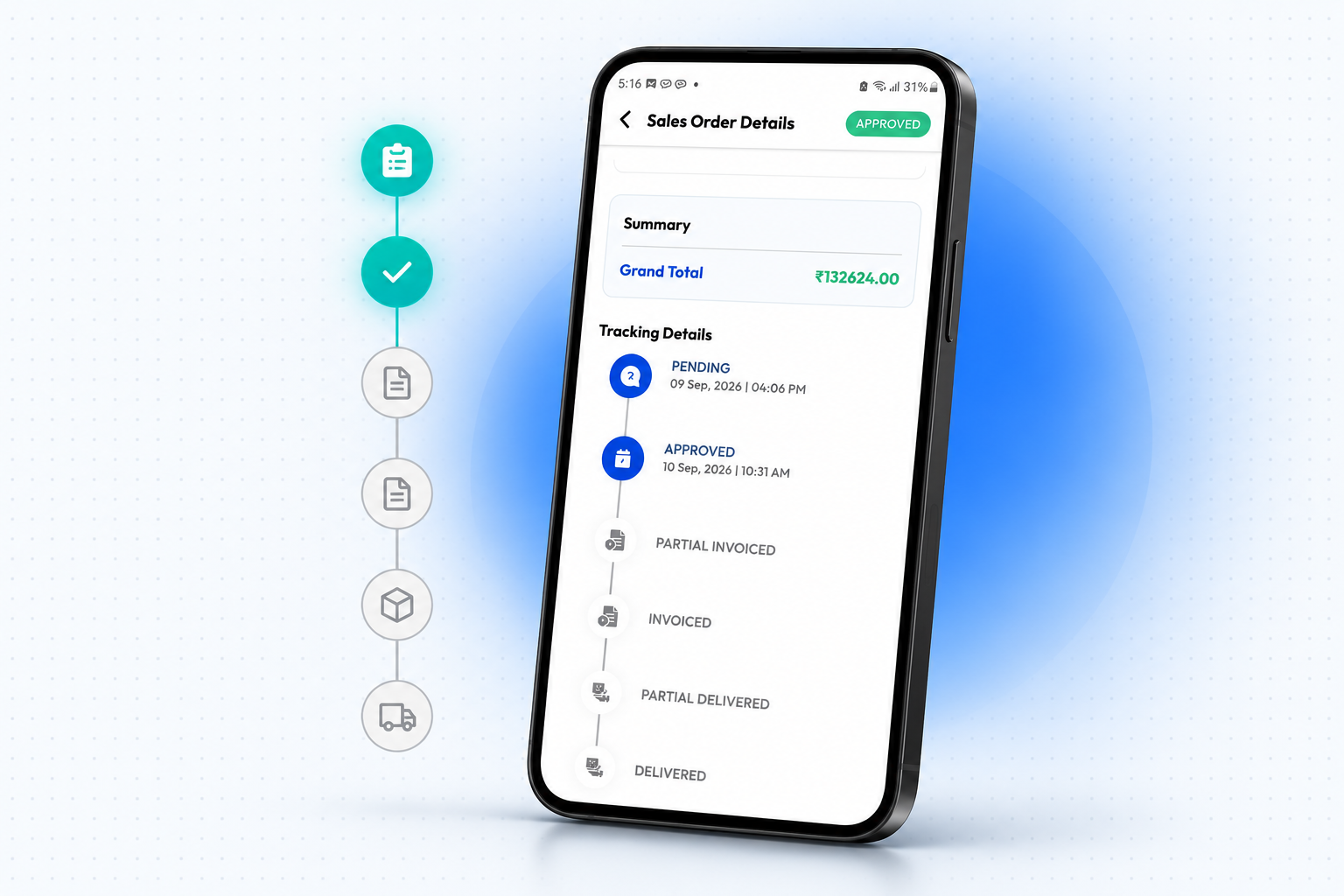
On the review screen, they set the purchase date, adjust quantities, add more products and check the estimated cost before generating the order. There is no retyping at the office. The order goes straight into the system. Every order is tracked through its full lifecycle: pending, approved, partially invoiced, invoiced, partially delivered and delivered. When a retailer asks, "Where's my stock?" the answer is on the salesman's phone.
3. Plan visits on a calendar, not in your head
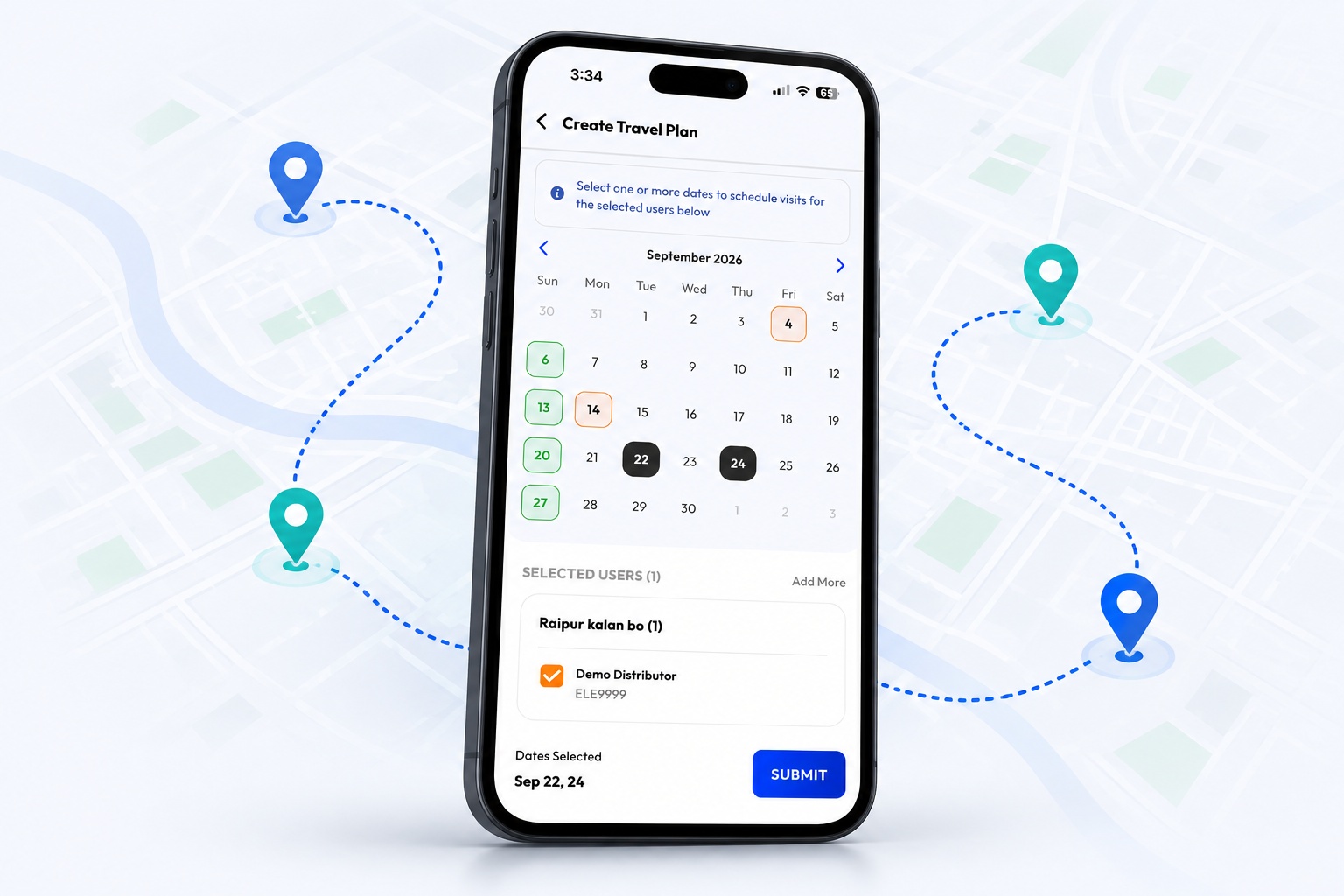
The Travel Plan calendar shows which partners are scheduled on each date, with their address, party type and visit status.Adding a plan is simple: choose the visit type, narrow down by state (only the states the salesman covers appear), tick one or more partners grouped by area, then pick the visit dates and submit.New visits show as Pending until they are completed. Prospect visits sit alongside regular partners, so time spent chasing new business is counted too. If the day doesn't go as planned, the salesman can raise a TP deviation request instead of quietly skipping visits.
4. Grow the network from the field
The Network tab lists every distributor, stockist and retailer the salesman is linked to, searchable by name or code.When they sign up a new retailer, they first choose the parent party, for example the stockist the retailer buys from. Then they verify the retailer by mobile number or existing code and fill in the business details: name, contact person, address, pincode, state, city and PAN, with an option for parties not registered under GST.The result: new outlets come into your system correctly linked to the supply chain from day one.
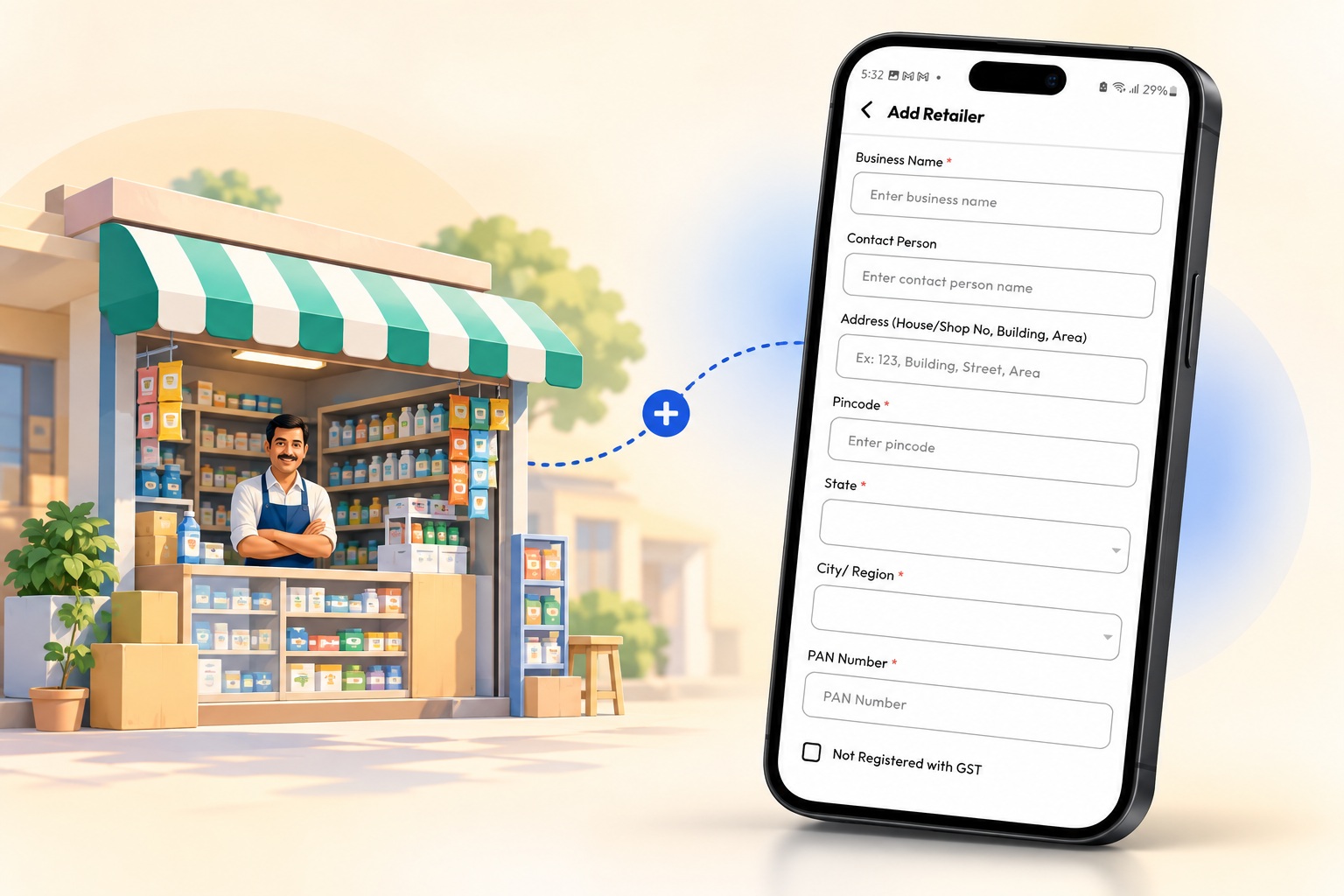
5. Coverage & Insights: see who you're missing
Coverage & Insights shows how well the salesman is covering their parties in any month.The Overview shows visits completed against plan, with missed visits called out, plus party coverage, prospect visits, MCL %, average visit frequency and average visits per day. The Partners tab breaks coverage down by party type and groups parties into visit bands. The Visits tab lists parties that need attention because they haven't been visited recently.
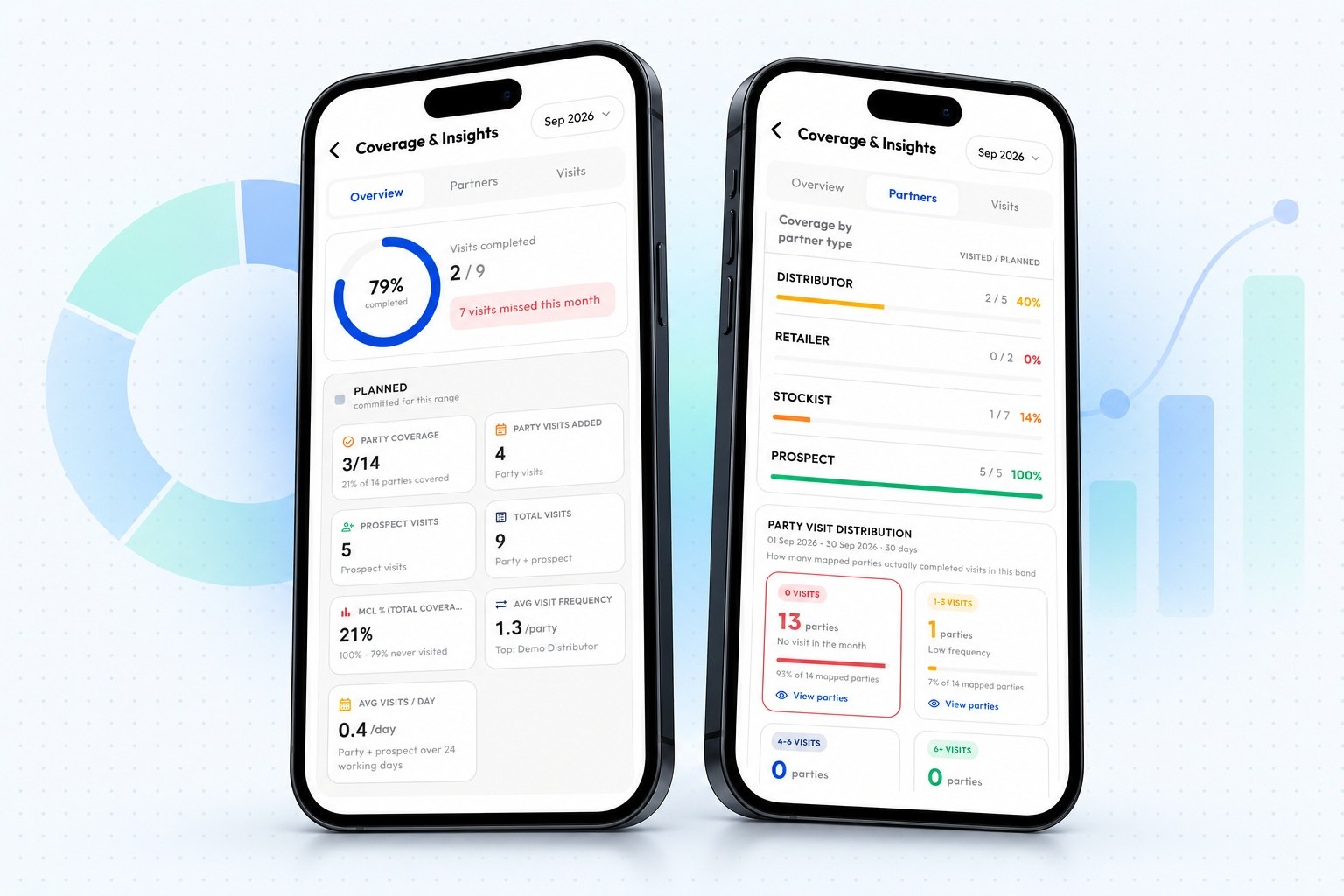
Because the numbers follow the reporting hierarchy, a manager sees the same view rolled up for their whole team.
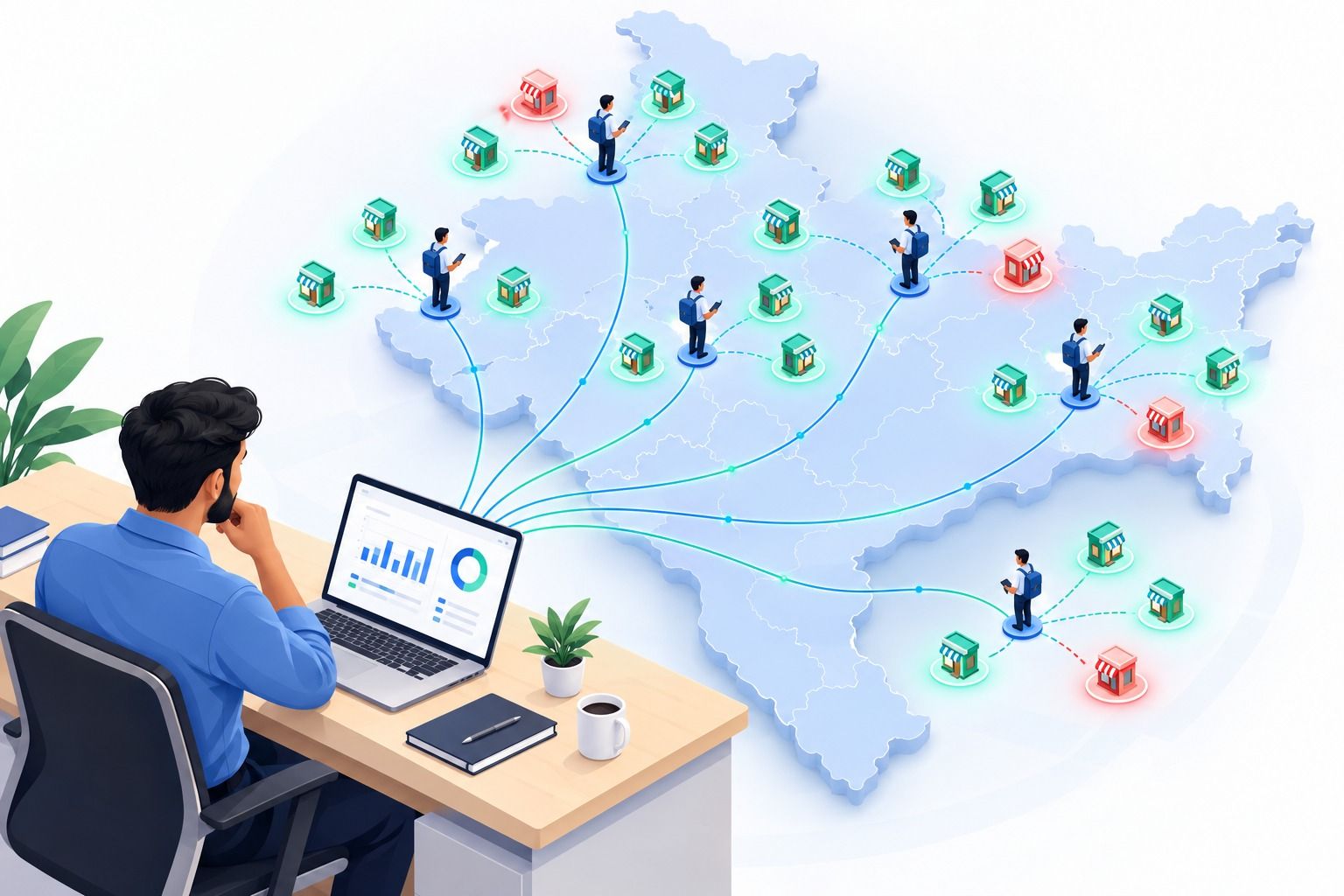
6. TA/DA claims that calculate themselves
Travel claims are usually where trust breaks down. In Ezupp, the salesman picks a claim date and the travel type and DA amount fill in from that day's travel history.
The app works out the eligible amount from the salesman's designation, travel type and radial distance from their home location. Nobody types in amounts.
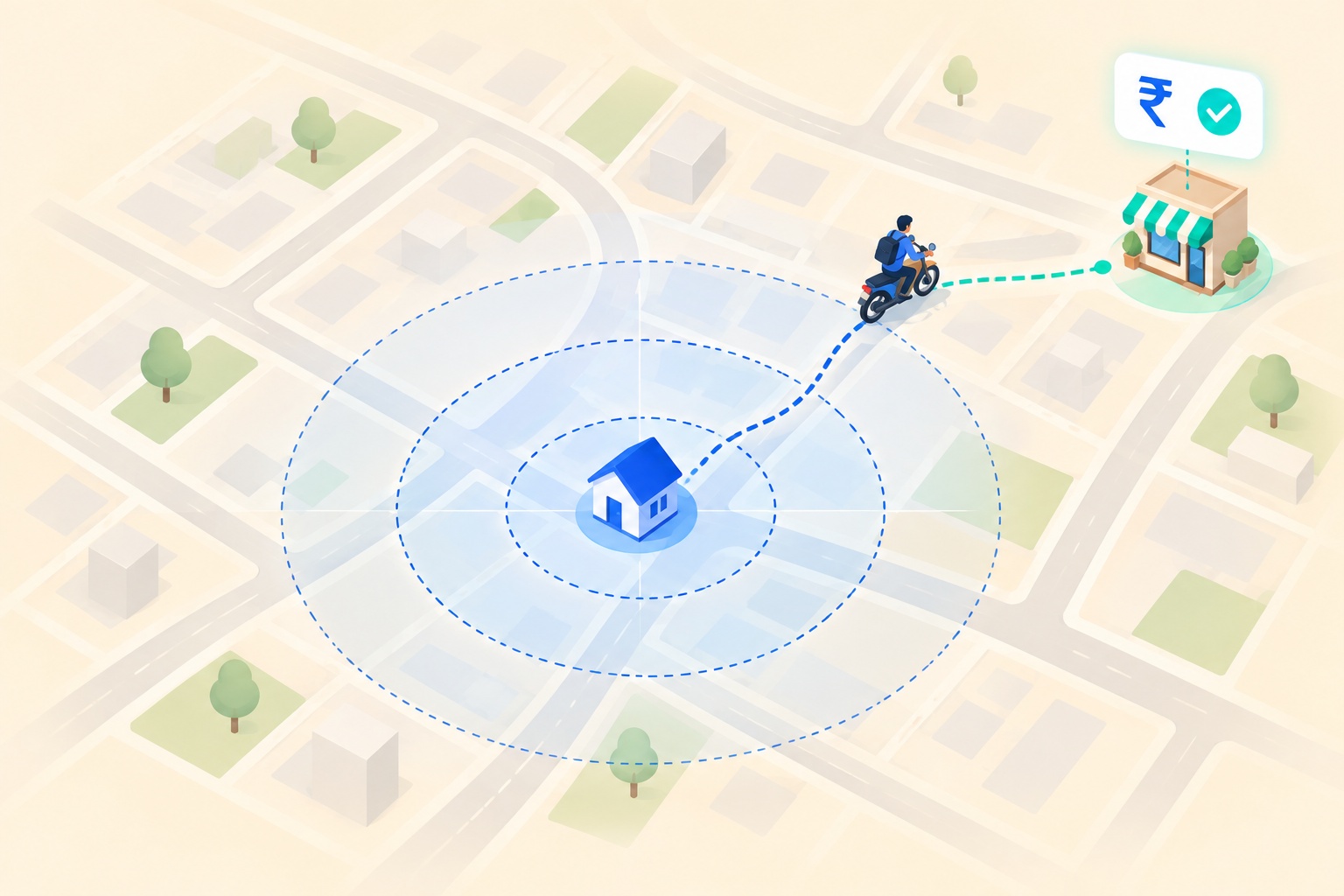
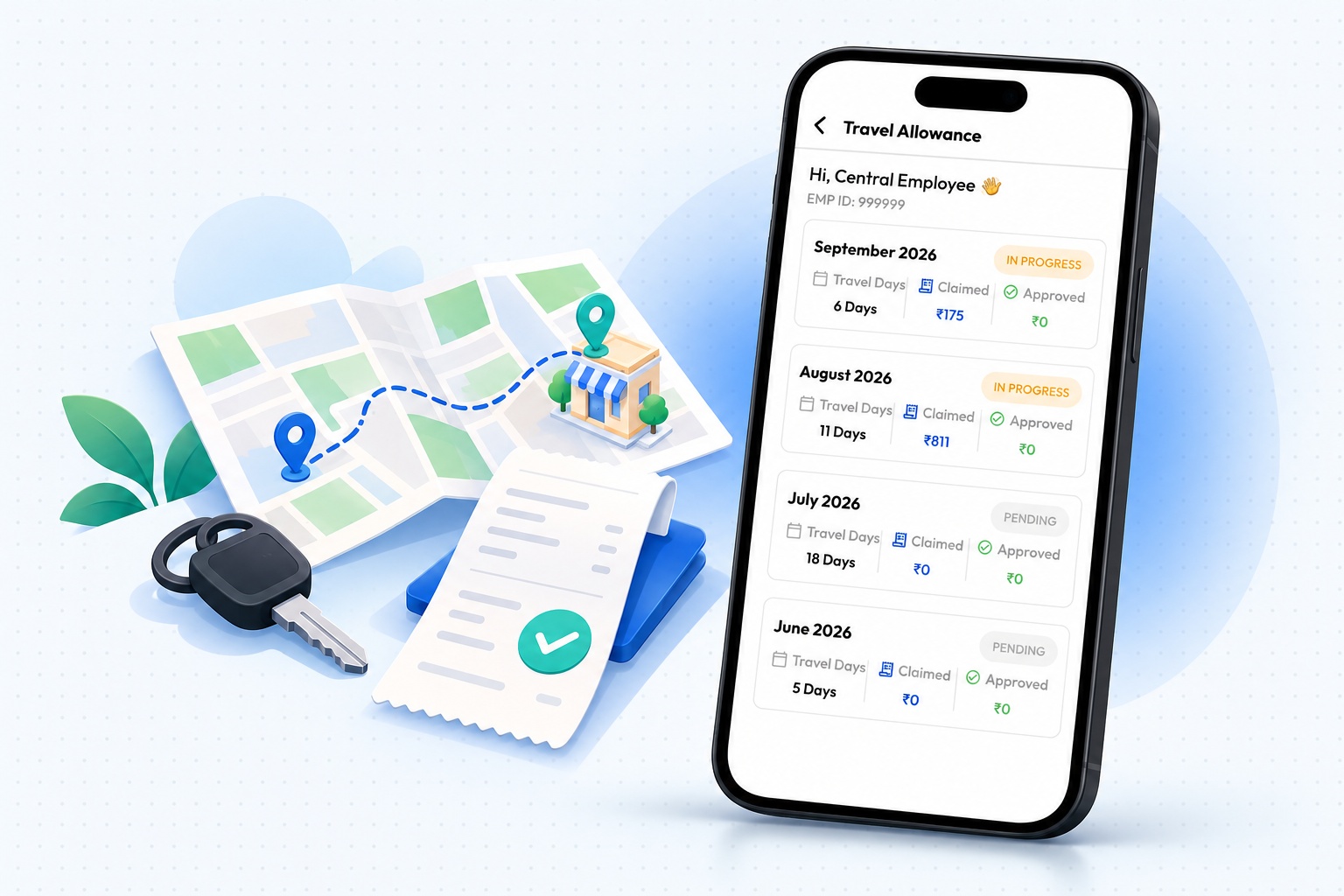
They can mark joint working if a co-traveller was along, add notes, review the breakdown and submit. A monthly summary shows travel days, amount claimed, amount approved and the status of each month's claim.
Everything else, one menu away
The side menu links to every flow above, plus everyday tools: the price list to quote from, a product catalog to show during visits, active schemes to pitch to eligible parties, leave requests, and TP deviation requests for changing an approved travel plan.
What this means for your business
For the salesman, the day is simpler: one app instead of five. For managers, planned versus actual work is visible without chasing anyone. For the business, orders, network growth and expenses are captured accurately at the source, and that is the foundation for every report you run later.
See it in action
Want to see how the Ezupp salesman app would fit your field team? Book a demo and we'll walk you through it using your own party types, schemes and TA/DA rules.